
Pickers
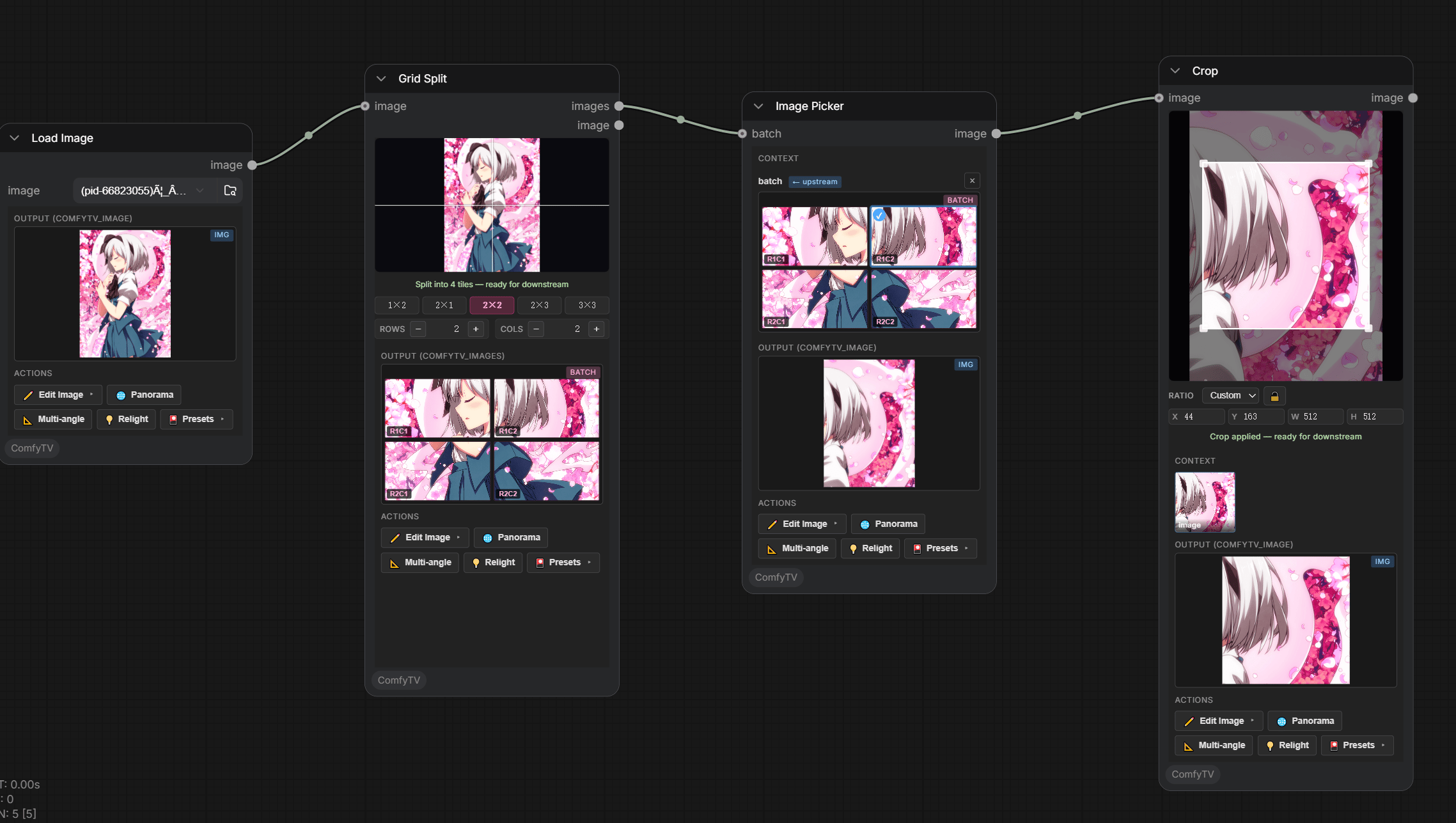
- Image Picker — from an Image Stage, Grid Split, Image Variations, Panorama Multi-View, …
- Video Picker — from a Video Stage batch.
- Audio Picker — from a Music Stage batch.
- Click a thumbnail; the selection is the picker’s single-item output.
- The Image Picker carries the full action toolbar (
✏️ Edit,🌐 Panorama,📐 Multiangle,💡 Relight, presets). - Generator stages auto-create their picker on first Run.
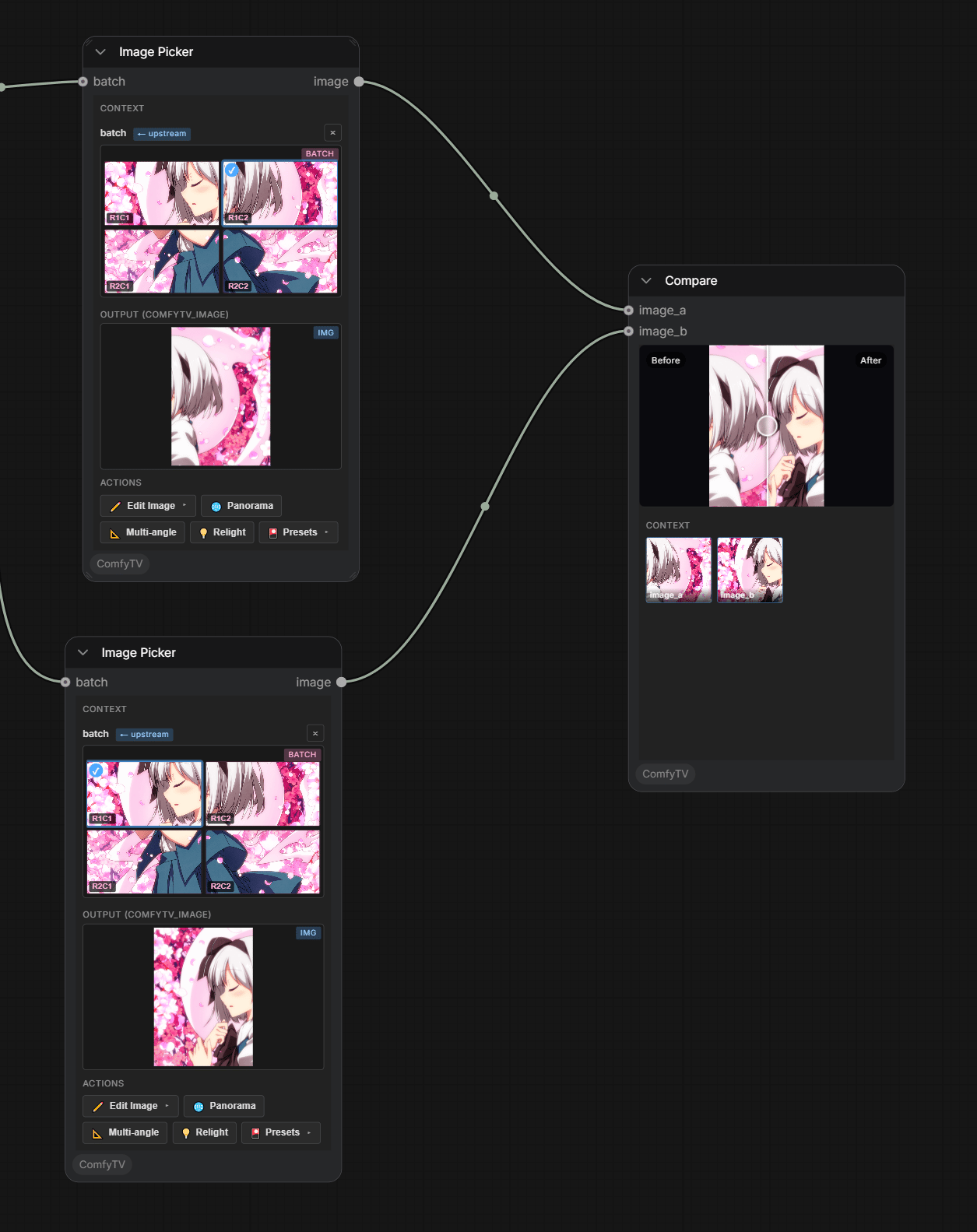
Compare (A/B)
Bigger arranging tools
When one picker isn’t enough, ComfyTV has larger arranging surfaces:-
Storyboard Editor — a multi-board drawing workbench (the full layer-editor engine per board) with onion skin, timeline playback, and animatic / GIF / PDF / ZIP export. Fountain scripts import as boards.
- Sequence (Video) — a lightweight track-style clip assembler; see video-and-audio.md.
- Director — the shot-by-shot production console: a clip timeline where every clip is generated (text/image/reference-to-video), with per-clip transitions, a shared reference cast for cross-shot consistency, content-addressed caching so only changed clips re-render, and a master timeline with a ruler, playhead, and unified film preview (play the whole cut, or audit clip by clip). See the Director pages in the Node Reference.