> ## Documentation Index
> Fetch the complete documentation index at: https://comfytv.org/llms.txt
> Use this file to discover all available pages before exploring further.
# Composing & arranging
## Image Picker
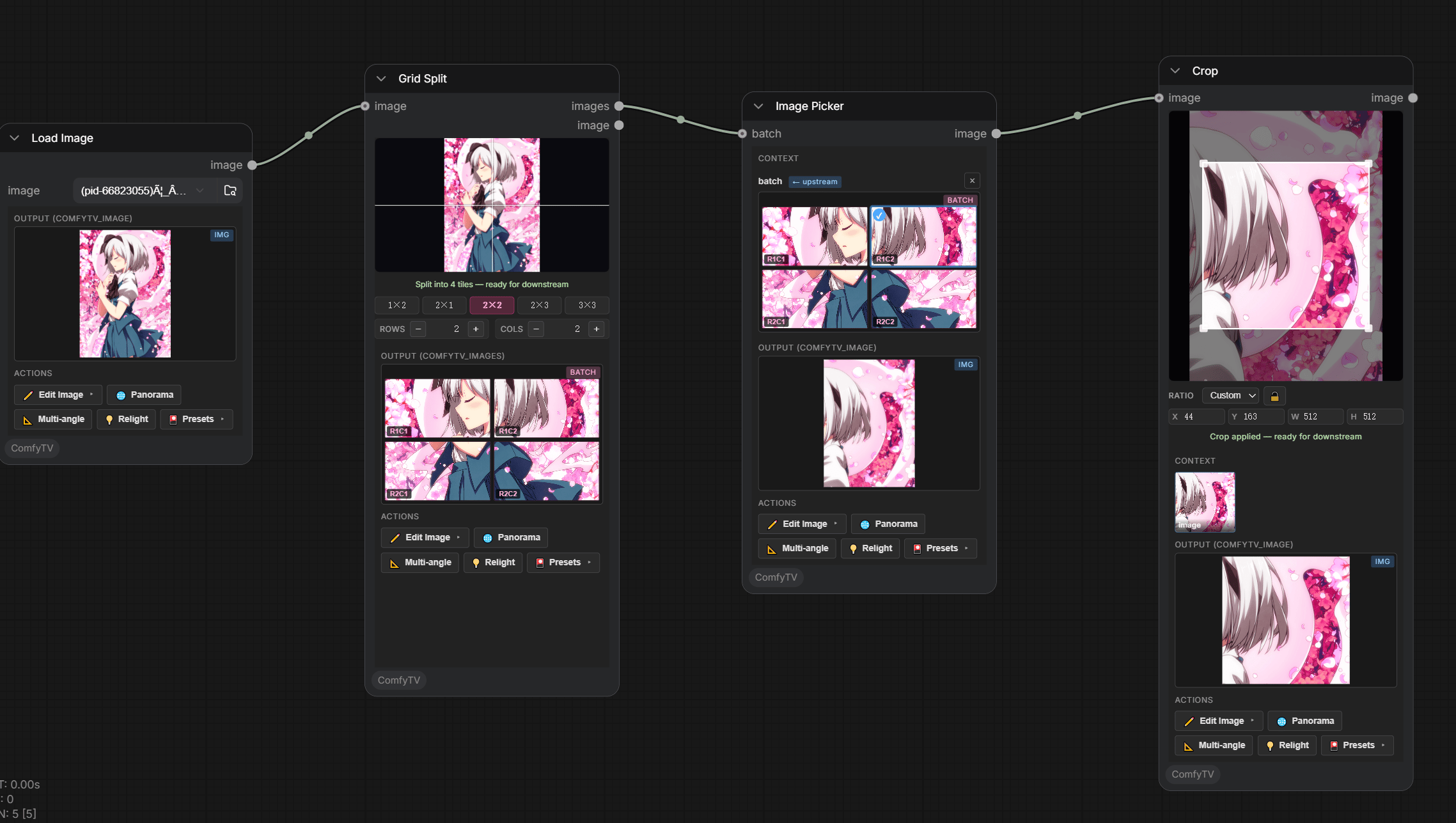 Pick **one** image out of a batch (from an Image Stage, Grid Split, Image Variations, Panorama Multi-View, …).
* Click a thumbnail; the selection is the picker's single-image output.
* The picker carries the full **action toolbar** (`✏️ Edit`, `🌐 Panorama`, `📐 Multiangle`, `💡 Relight`, presets).
* Image Stage **auto-creates** a picker on its first Run.
***
## Compare (A/B)
Pick **one** image out of a batch (from an Image Stage, Grid Split, Image Variations, Panorama Multi-View, …).
* Click a thumbnail; the selection is the picker's single-image output.
* The picker carries the full **action toolbar** (`✏️ Edit`, `🌐 Panorama`, `📐 Multiangle`, `💡 Relight`, presets).
* Image Stage **auto-creates** a picker on its first Run.
***
## Compare (A/B)
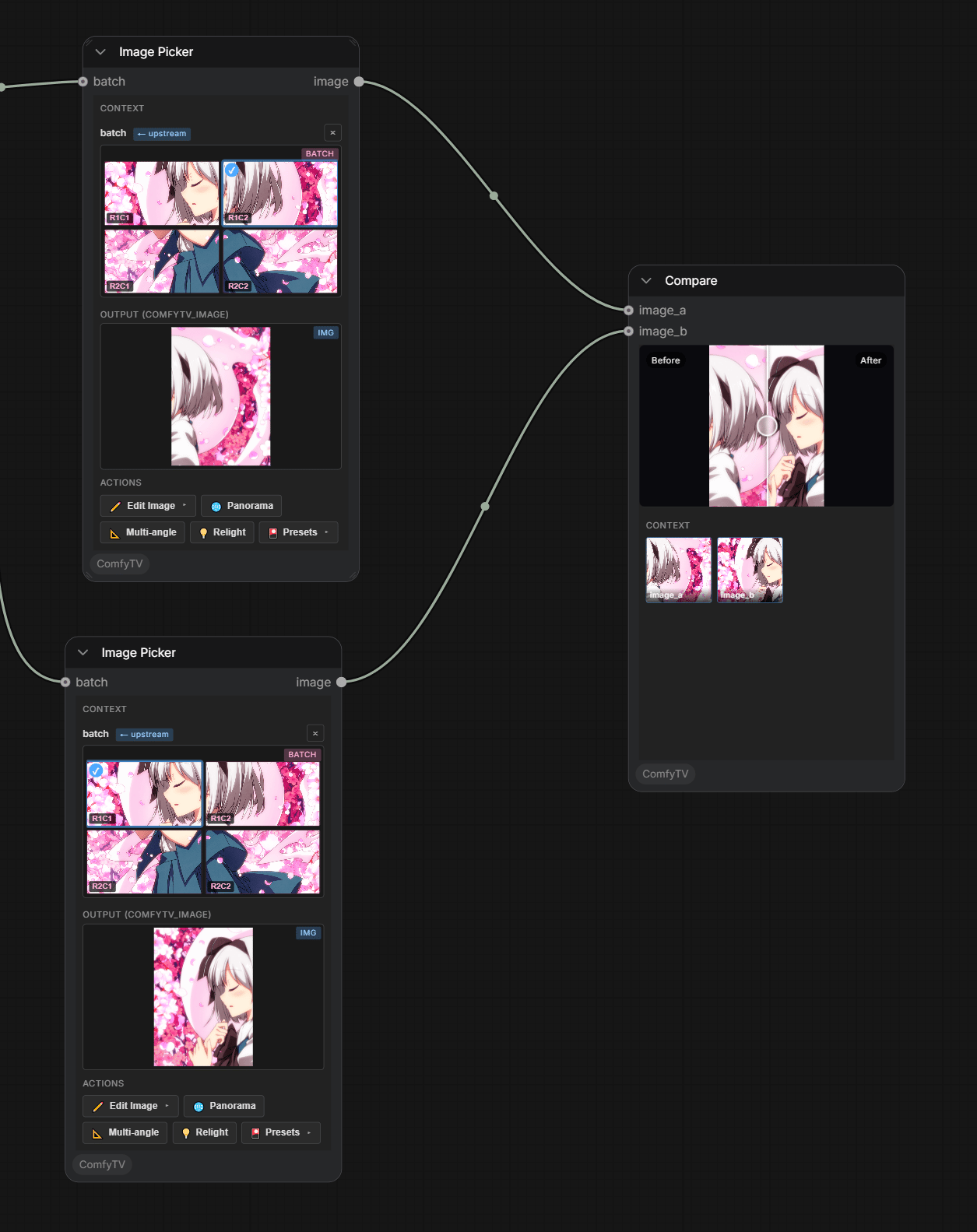 A before/after **slider** inspector comparing **image\_a** (original) and **image\_b** (edited).